One Studio.
All Your Recordings.
Unify recording and editing in a single experience. Built for creators, product teams, and people painfully disorganized with videos.
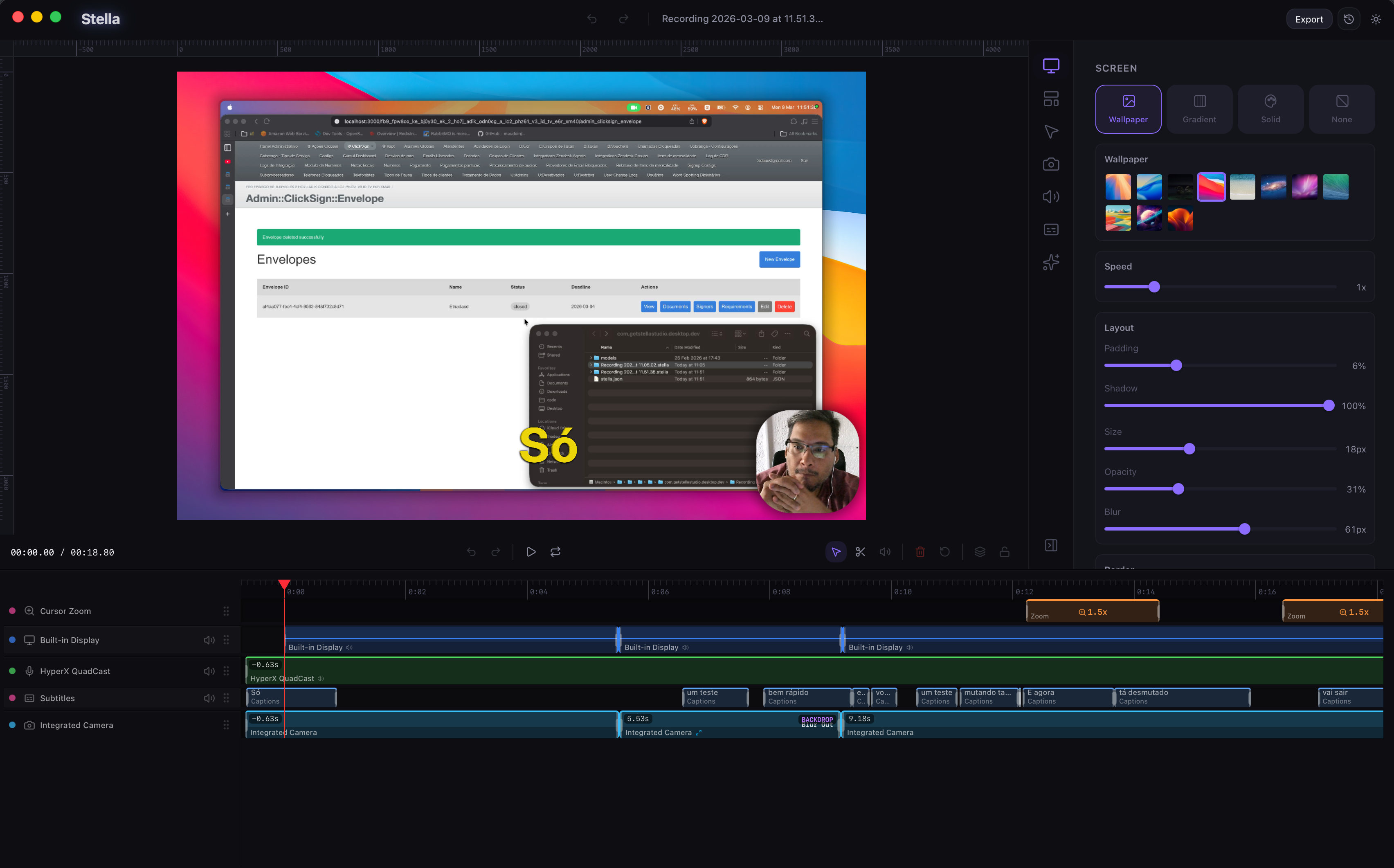
Unify recording and editing in a single experience. Built for creators, product teams, and people painfully disorganized with videos.
Capture screen, microphone, webcam and system audio in a single session. No setup, no hassle.
Export in high quality for any platform. GIF, MP4, 4K — automatically optimized.
Cap26 is packed with useful features while keeping everything easy to use.
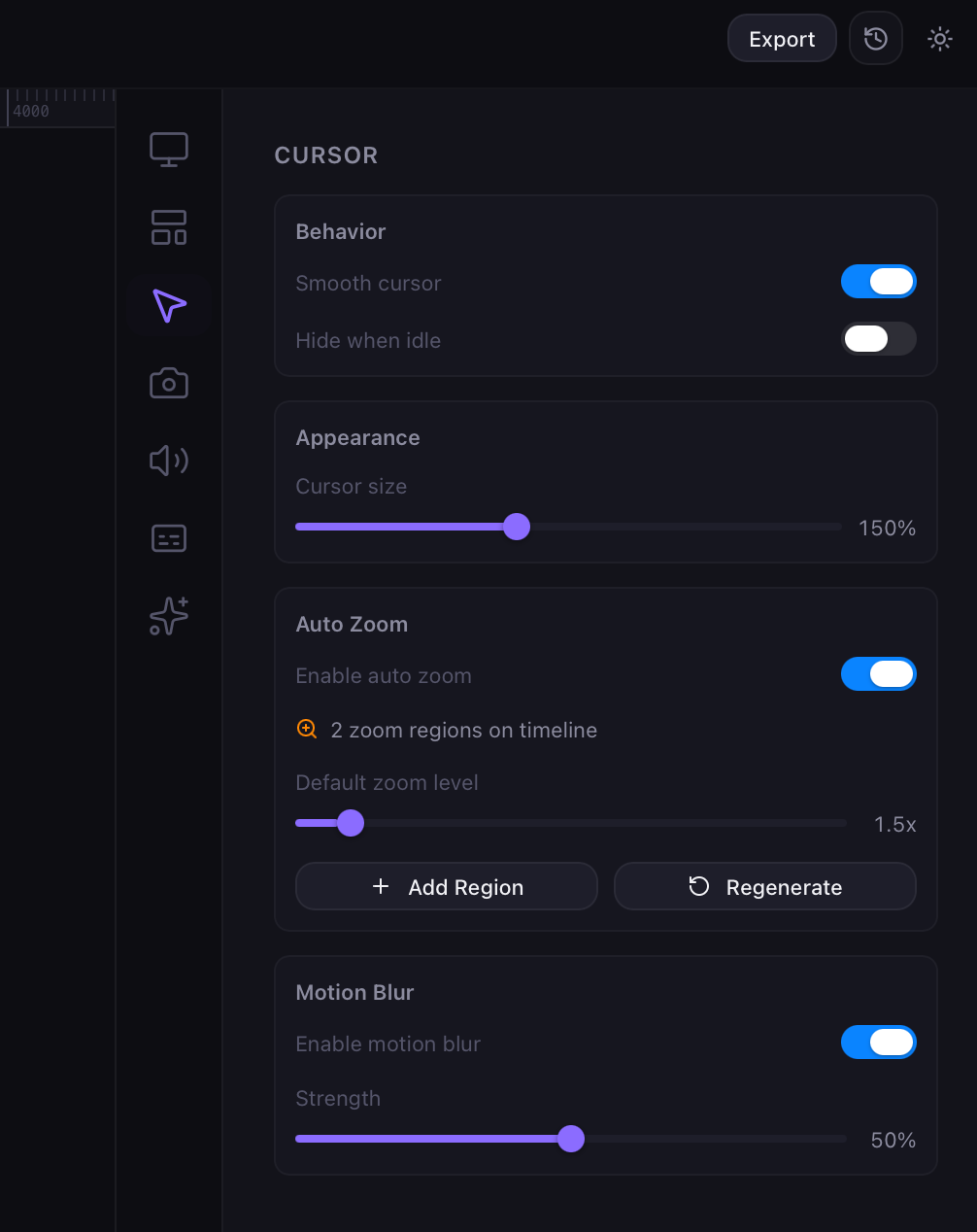
Auto-focus on the main action. Perfect for tutorials and demos.
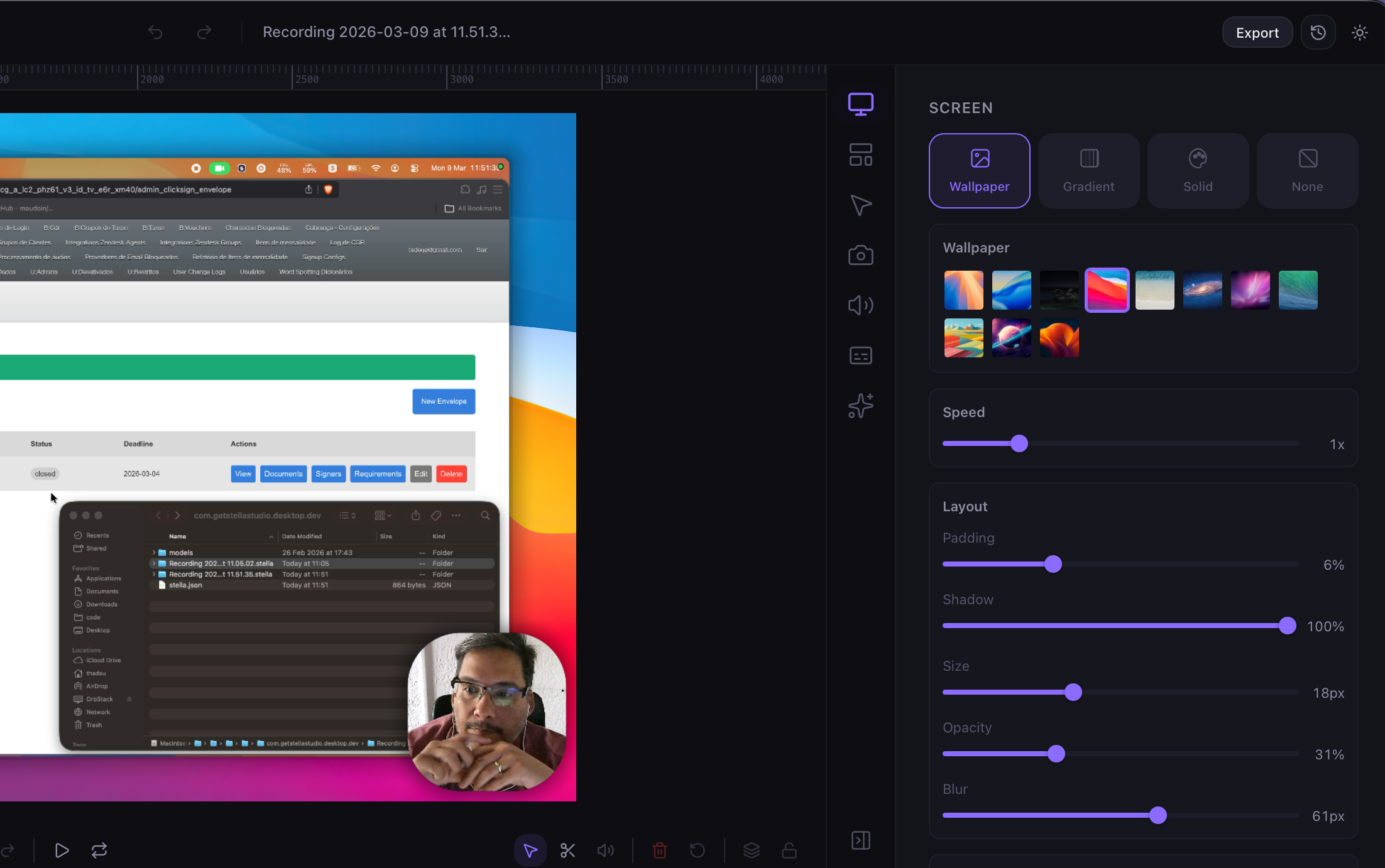
Swap color, gradient, or background image with a single click.
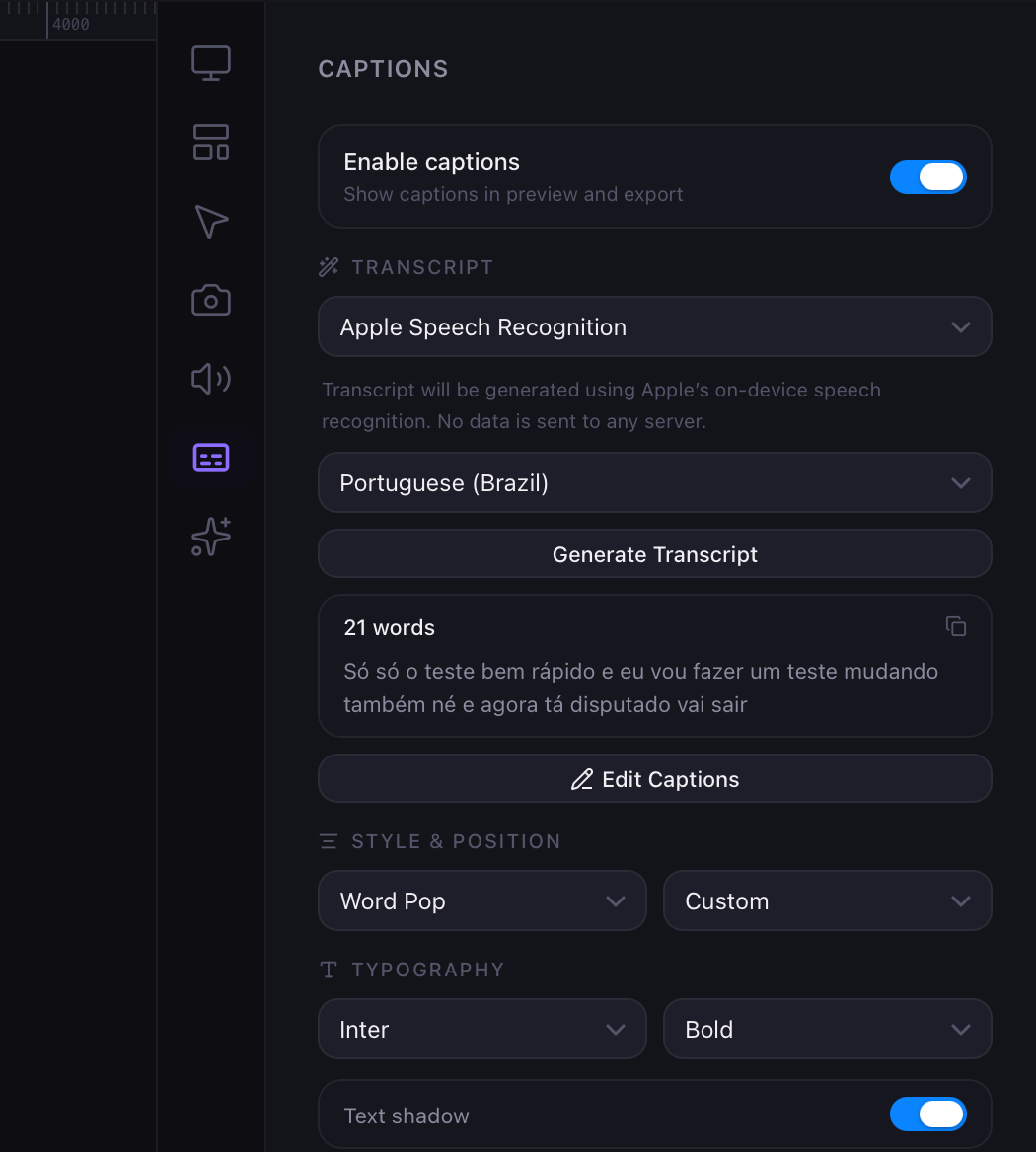
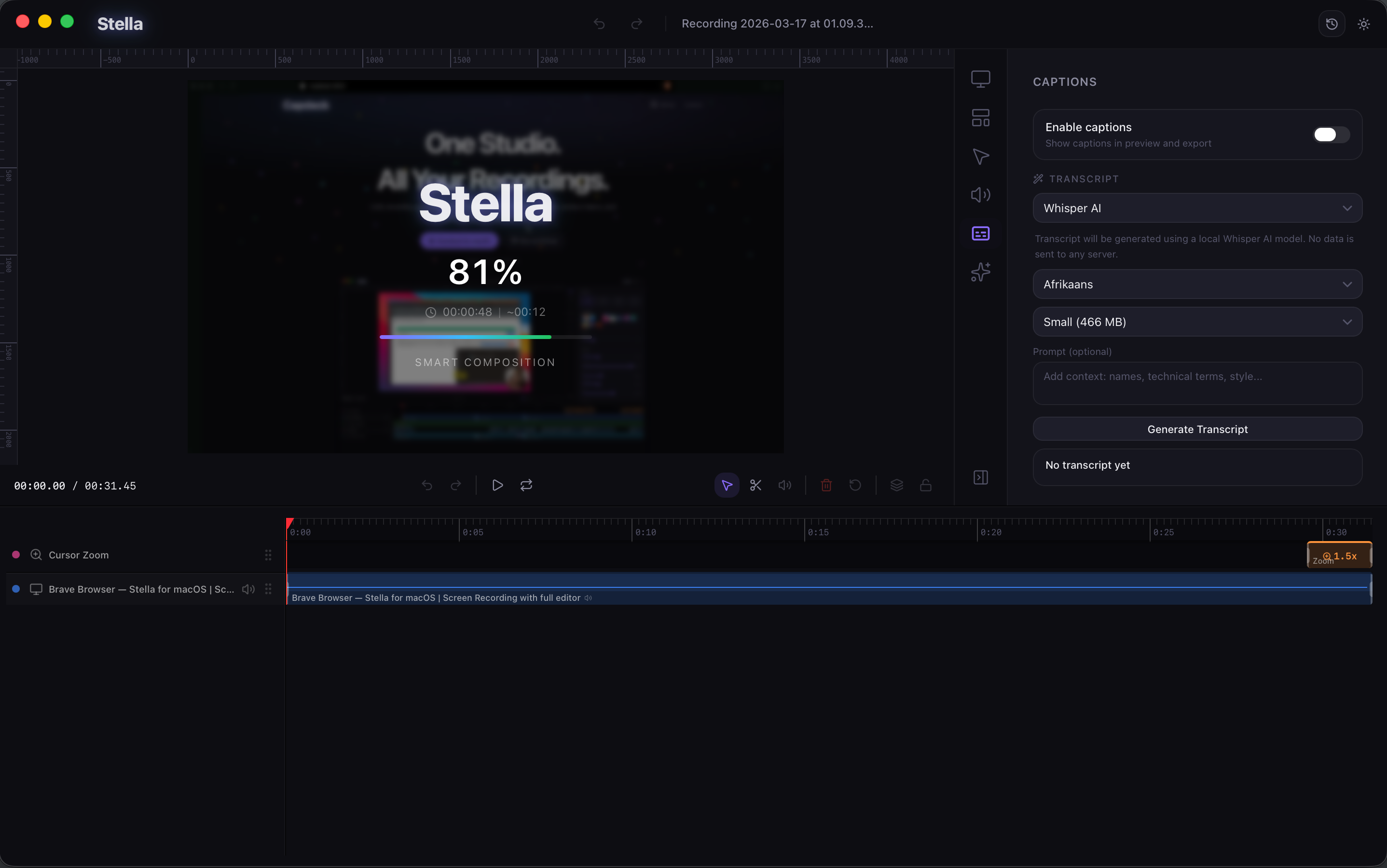
Generate captions right in the app. Everything processed locally on your Mac.
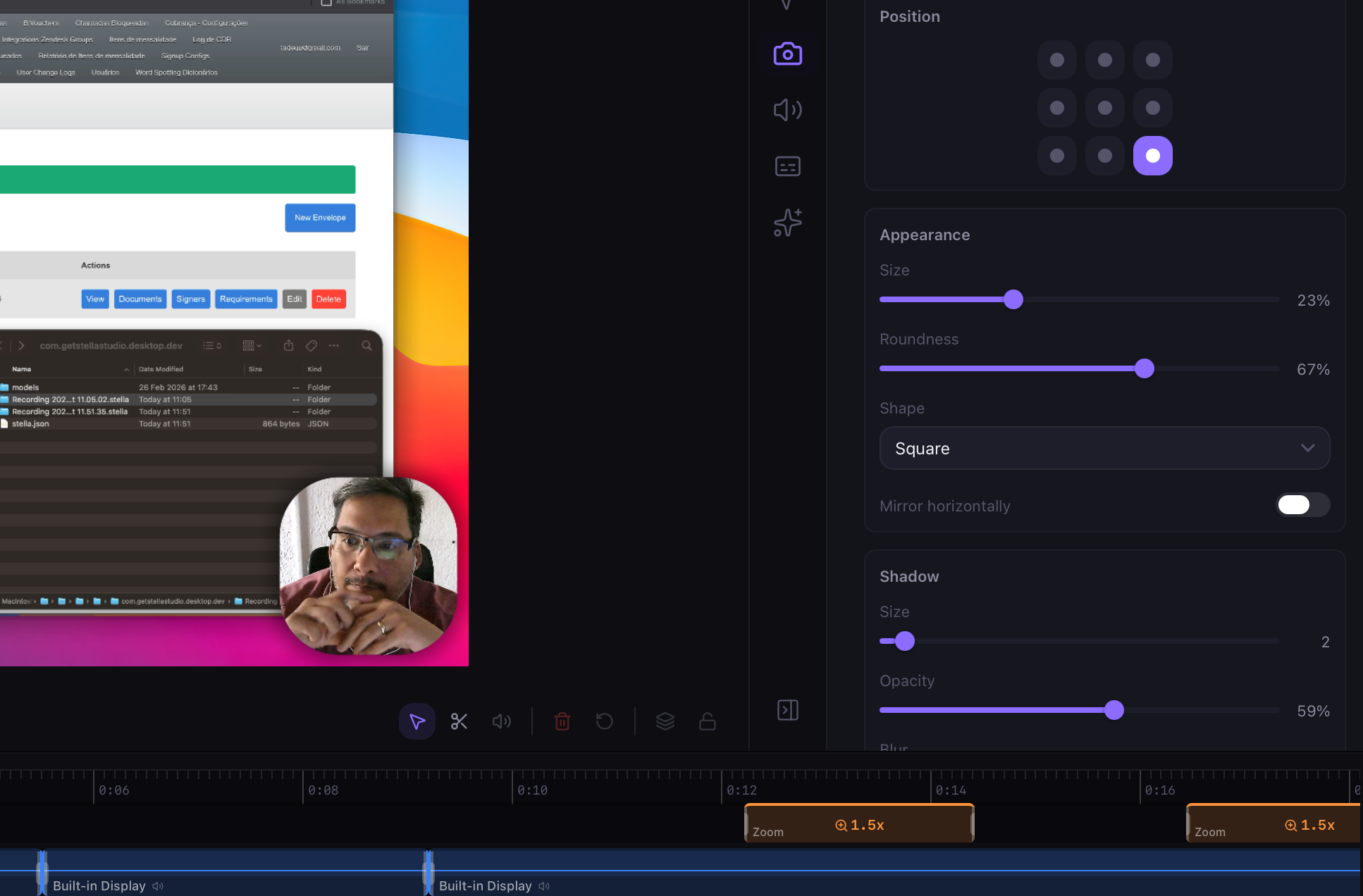
Your face overlays the recording with smart zoom to avoid covering the cursor.
Level up your tutorials, product demos, and collaboration.
All features included
Per month billed monthly. Switch to yearly anytime.
Get StartedAll features included but more cheapest.
Per month billed yearly.
Get StartedIf you have any other questions, please get in touch.
Cap26 records your screen and automatically applies effects — zoom, smooth cursor, captions and backgrounds. Everything in a single workflow, no separate editor needed.
Cap26 has a free plan with essential features. For advanced features like 4K export, automatic captions and shareable links, check out our plans.
Cap26 requires macOS 12 (Monterey) or later. We recommend macOS 14+ for the best performance.
Yes! Cap26 is designed for product demos, tutorials, courses and social media content. Automatic zoom and cursor animations give any recording a professional finish.
Absolutely. All processing happens locally on your Mac. No videos are sent to our servers — your privacy is our priority.